





AI For Progammers – Tips & Tricks

Having been in the industry for more than two decades, I’ve seen several “revolutions” come and go—the shift to web-native apps, the rise of cloud computing, and the transition to mobile-first development. Each of these changed what we built. However, the current AI boom is fundamentally different because it is changing how we build.
The rapid advancement of Large Language Models (LLMs) and Generative AI has moved beyond simple autocomplete. We are no longer looking at just a “better Google search”; we are looking at a collaborative partner that sits inside our IDE. For “old school” developers like myself, it takes time to fully embrace this shift and ride along with a totally different style of problem-solving.
From Hesitation to Full Embrace
It took me a few months to truly integrate the AI programming model into my daily workflow. My journey followed three distinct stages:
- Stage 1: Initially, I was only using (and enjoying) multi-line autocompletes from the Copilot agent.
- Stage 2: A few months ago, I started using “Agent mode” in the IDE, allowing the AI to access context from multiple files to write about 10–15% of my daily code.
- Stage 3 (Current): I am now using tools like Claude Code to handle nearly 60% to 80% of my professional coding tasks.
I must admit, I was originally quite skeptical of its usefulness. I kept thinking, “How much can you really expect from a ‘next-word predictor’ model?” It sounds like glorified autocomplete on paper. But as with many things in engineering, you have to actually use it in the trenches to believe it.
Am I loving it? Absolutely. Here is why I believe this shift falls into three high-value categories:
1. Reducing Cognitive Load
It is common for modern developers to juggle multiple projects, frameworks, and languages in a single day, often switching contexts within hours. Having AI agents embedded in the IDE means I no longer need to manually recall specific syntax. For example, I often struggle with the nuances of foreach loops across different languages. Now, 90% of the time, the AI agent fills the block as soon as I type the keyword. This makes programming less stressful and significantly more fun.

2. Accelerated Problem Solving
I’ve always loved the “puzzle” of coding—it’s why I still spend 70% of my work week and my free weekends programming. You might ask: if an AI is solving the problem, where is the fun? The balance comes down to delegation. If a problem is already “solved” or lacks a unique challenge, I treat the AI like a highly capable junior developer. I let it handle the implementation while I focus my energy on the overall architecture and high-level design.
3. Bridging the Skill Gap
This is best explained by a recent experience. A few days ago, I was debugging network congestion over TCP traffic. Without deep, specialized knowledge of the TCP traffic controller, I fed the following output to my AI agent:
tc class show dev bond0
Within seconds, the AI analysed the output and identified a significant bottleneck caused by Hierarchical Token Bucket (HTB) rate limiting, which was choking my WDT (Warpspeed Data Transfer) performance. It even provided proposals to isolate and fix the issue.
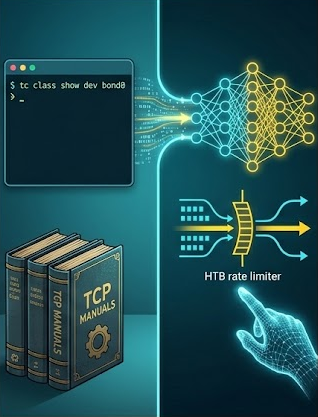
Could I have found this myself? Yes—I’ve done far more complex analyses in my 20-year career. But it would have taken hours of research to understand every parameter and its “normal” range. This is where AI shines: it acts as a domain expert, providing directional hints that allow you to skip the tedious learning curve and jump straight to the “fun” part of analysis and isolation.
Tips & Tricks
Enough with the theory—let’s talk about the actual “mechanics” of how I’ve shifted my workflow to speed up development. If you want to move from 10% AI-assisted code to 80%, you have to stop treating the AI as a search engine and start treating it as a specialized member of your team.
1. Provide Deep Context (The “Project Knowledge” Hack)
As with any conversation, context is key. This is especially true with modern LLMs, which are highly tuned to orchestrate task plans based on the information they can “see.” While the current file is enough for a simple inline function or a small autocomplete block, it isn’t enough for an AI Agent to perform tasks spanning multiple files. For that, a compact and relevant context becomes essential.
The most effective way to provide this is via “AGENT.md” markdown files. These files act as a project’s “brain” or “memory,” providing persistent context and instructions for tools like Claude Code. They help the AI understand project-specific standards, workflows, and architecture across different sessions.
Your context files should be a living repository of:
- Terminal commands: Common build, test, or run scripts.
- Workflows: Step-by-step instructions (e.g., “When creating a new API endpoint, plan the changes and seek confirmation before writing code”).
- Coding standards: Specific conventions for naming, indentation, or comments.
- Domain-specific jargon: Definitions for project-specific terms.
- Architectural decisions: High-level overviews of the project structure or design patterns.
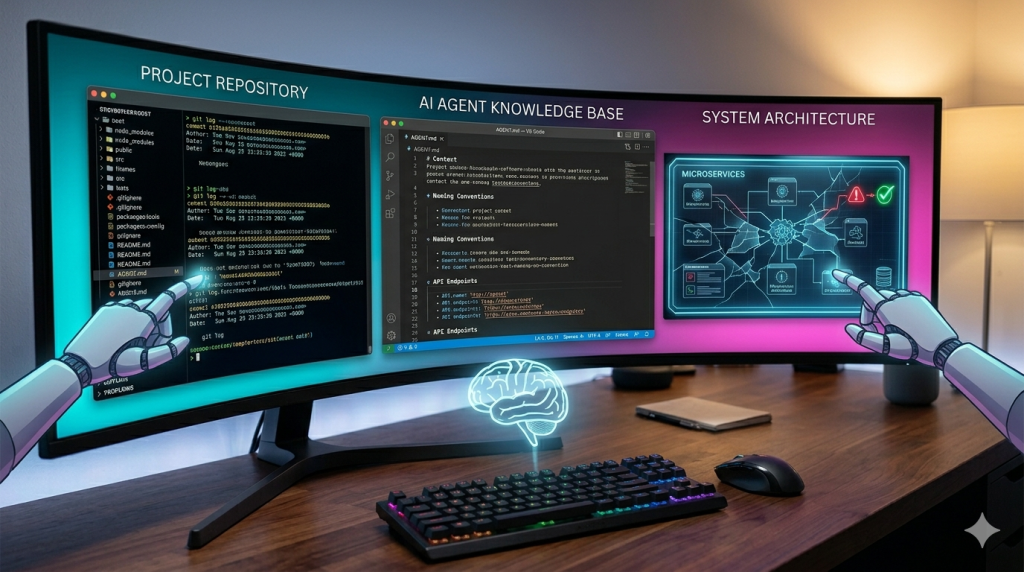
To make these documents most effective, follow these suggestions:
Layer your instructions: You can use multiple files at different levels (User, Project Root, or Subdirectories) to manage complexity and provide specific context only when the agent enters a particular module.
Keep it concise: I cannot stress this enough. Long files consume more context tokens, which can make the AI less effective and prone to side-tracking. Keep instructions compact; agents can explore the details as needed.
Cross-reference, don’t repeat: Instead of listing every coding style, point to your .editorconfig or .eslintrc. The agent can pull those files into its context automatically.
Trust the AI’s “Pre-training”: You don’t need to document every library. If you’re using Keycloak or Entity Framework, just mention it. The AI already knows the standard flows and constraints; only document where your implementation deviates from the norm.
Use Version Control: Check your AGENT.md files into Git. This ensures your entire team—and their respective AI agents—are operating from the same “playbook.”
2. Build Your AI Agent’s “Skillset”
While modern agents are increasingly capable, they often lack the specific “procedural knowledge” required to perform complex, real-world tasks reliably. This is where Skills come in. By defining a skillset, you give your agent access to company-, team-, and user-specific context that it can load on demand.
An AI agent equipped with the right skills can extend its capabilities far beyond just writing code. A skill could be anything that integrates into your daily workflow, such as:
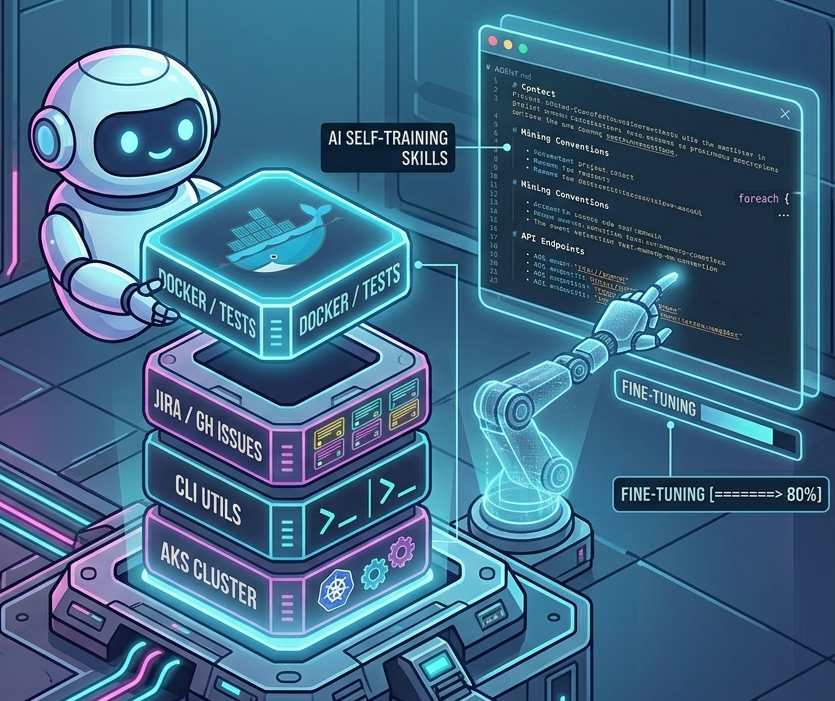
- Infrastructure Automation: Starting up Docker Compose to run a specific suite of integration tests.
- Project Management: Fetching and summarizing task details from your company’s issue-tracking system (like Jira or GitHub Issues).
- Deployment: Triggering a specific CI/CD pipeline or checking the status of an AKS cluster.
The good news is that you don’t have to build these from scratch alone. Modern AI agents can actually help you write their own skillsets—or at least provide the initial draft. Once the foundation is laid, you can fine-tune these skills based on the agent’s performance. It is an iterative process of trial and error, but with a bit of effort, you will end up with an agent that is perfectly comfortable with your specific development workflows and can automate them end-to-end.
If you have never created AI Skills before, I would suggest going through the Agent Skills tutorial. If you created a few before, it might be a good idea to look through their Best Practices section to make sure you are making optimal use of these skills.
3. Architect It Yourself; Implement via Agent
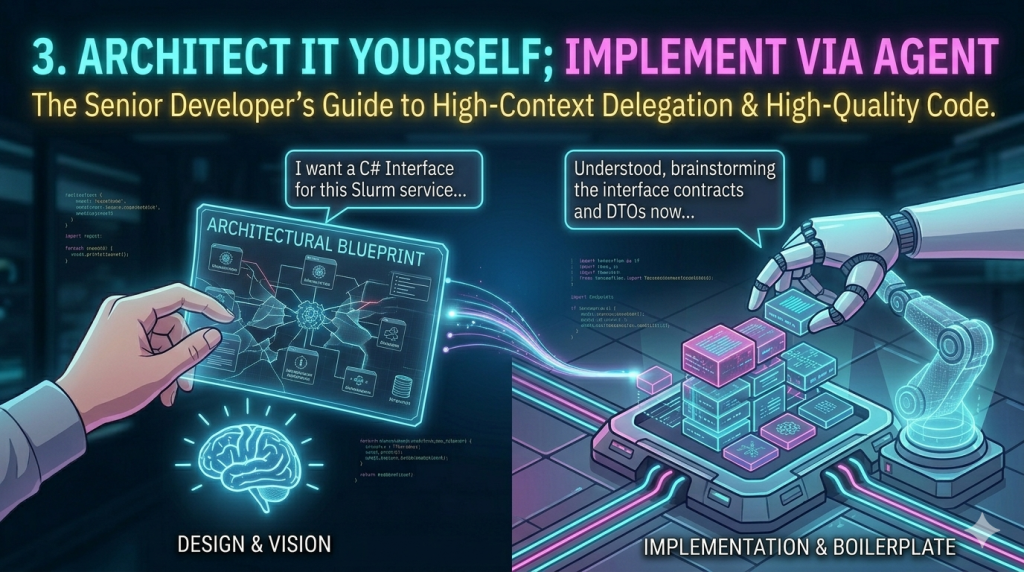
AI Agents, at least for now, are excellent at solving localized problems but often struggle with designing complex, large-scale architectures. Furthermore, much of the code available online—the data these models were trained on—is not always “A+” quality. If you let an AI build a solution from A to Z without guidance, it might work, but it likely won’t be the most maintainable or architecturally sound codebase.
While the definition of “maintainable” might shift as AI handles more of our code modification, we are still in a transition stage where code quality and readability remain paramount.
The approach that works best for me is splitting the task into manageable, high-level chunks. Using the Slurm Microservice as an example, my process looks like this:
A. The Design Phase (The Architect)
I start by defining the boundaries. Instead of asking the AI to “build the service,” I provide a focused prompt to establish the contract:
“I am implementing a Slurm Job API management service. This service needs methods to: Get all jobs (with optional filtering/pagination), get details for a specific ID, and handle management actions like Hold, Requeue, and Delete. Create a C# interface for this service.“
B. The Review & Brainstorm (The Lead)
I review the generated interface and DTOs. If they need adjustment, I either suggest changes or tweak them manually. Once I’m happy with the contracts, I move to the implementation stage—but I don’t just hit “go.” I ask the agent to:
“Brainstorm the implementation of this interface. Ask me any clarifying questions about the underlying CLI wrapping strategy or error handling before you start writing code.”
C. The Implementation (The Agent)
I treat the AI exactly like a junior developer. We go back and forth until I am confident it has all the context it needs. The agent then works for a few minutes, and the end product is something I am 90–95% happy with. A few final manual tweaks later, and a task that would have taken several hours is done in less than one.
4. Parallelize Your Agents with Git Worktrees
Once you have an AI agent actively handling 80% of your coding tasks, you will quickly notice a new kind of bottleneck: AI Latency. A sophisticated agent like Claude Code can take several minutes to process large files, orchestrate a task plan, and generate new code. While it is still far faster than writing it yourself, you are often left waiting, effectively blocked from making progress.
While you could use that time to read documentation or answer emails, a much better use of that time is to tackle another engineering problem you’ve been deferring. This is where combining AI Agents with Git Worktrees becomes a game-changer.
If you haven’t utilized this powerful Git feature before, here is a quick overview:
What is Git Worktree?
git worktree is a native command that allows you to maintain multiple working directories simultaneously from a single repository. Each directory (a “worktree”) has its own unique branch or commit checked out. This means you can work on two different tasks (e.g., a complex refactor and an urgent hotfix) concurrently, without the constant need to stash changes, switch branches, and rebuild your environment in a single directory.
The AI Workflow Parallelization
Instead of cloning the entire repository multiple times (which is wasteful), Git Worktree lets you check out multiple branches inside the same project directory.
The immediate benefit for an AI-driven workflow is that you never have to close your AI session or interrupt its context to work on a separate bug. You can have one Claude Code session running a lengthy refactoring task in Worktree_A, and immediately open a second worktree (Worktree_B) to investigate a crash report, without your agent losing the complex context it just built.
Bonus: Most of the specialized coding agents are now introducing native support for Git Worktrees. If you are using Claude Code, for example, I highly recommend reading their documentation on Running Parallel Claude Code sessions with Git worktrees. It is the closest you can get to multi-threading your own productivity.
Conclusion
Obviously, this list is not extensive, and I will hopefully keep updating it with new tips and trick as I learn myself. If you have any of own, please do share.
Tags: AI, Claude, Tip & Tricks
Feedback & Comments
No Responses